Page 1 of 1
How to change icon?
Posted: Wed Apr 12, 2023 3:01 pm
by kenw232
How do I simply change the note's icon to like a folder or something? I see nothing (in version 8.0).
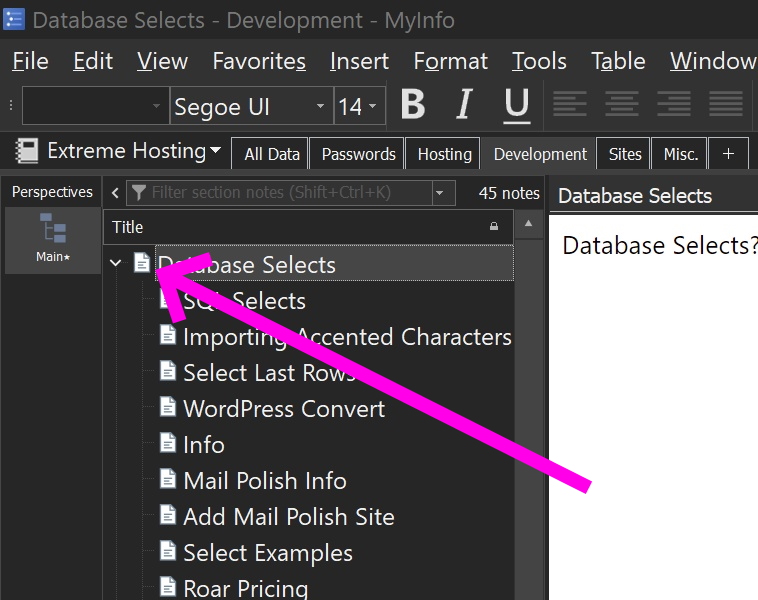
- screenshot_001.jpg (196.47 KiB) Viewed 8223 times
Re: How to change icon?
Posted: Wed Apr 12, 2023 3:17 pm
by lbw2112
If you're talking about for an already created note, just Right click on the note icon, either choose one or select "More State Icons".
If you're talking about as a Default for New notes in section I think you create a Note Template with that icon and then Right Click on the Section name and choose that note for the Default Template.
Re: How to change icon?
Posted: Wed Apr 12, 2023 5:12 pm
by kenw232
I see, you have to right click on the icon, not the note name.